
Remove Devices from Inventory
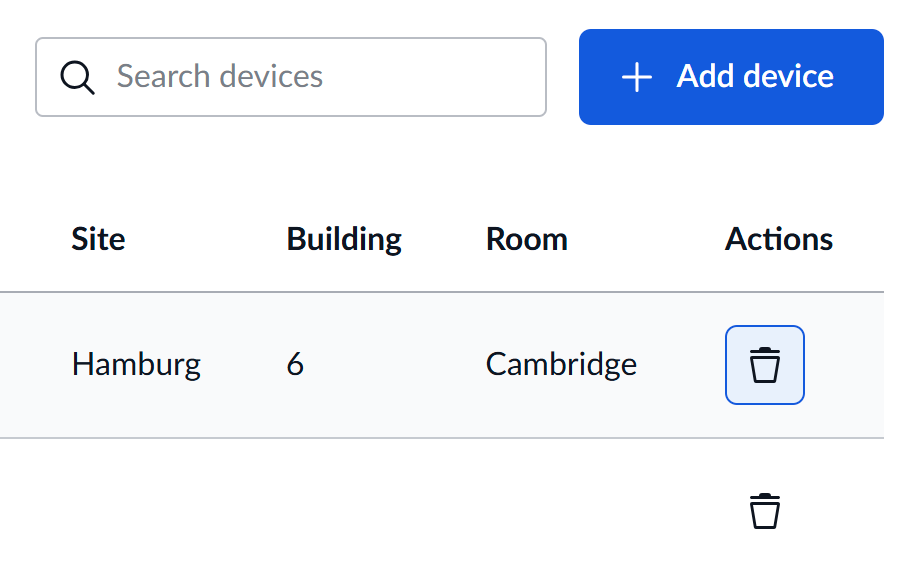
You can now remove devices from your inventory when they’re no longer needed for monitoring, helping you keep your device list clean and focused on what matters.
Simple Inventory Management
Sometimes devices are decommissioned, moved to different labs, or simply no longer require monitoring through VisioNize Lab Suite. Rather than having them clutter your inventory view, you can now remove them entirely.
When to Use This Feature
Consider removing devices when they are:
- Permanently decommissioned - No longer in use in your lab
- Transferred elsewhere - Moved to a different location or team
- Replaced by newer models - Upgraded equipment that’s been taken out of service
Benefits
- Cleaner inventory view - Focus on devices that actually matter
- Reduced visual clutter - Easier to find and manage active devices
- Better organization - Keep your device list current and relevant
- Simplified navigation - Less scrolling through inactive devices
It’s a straightforward improvement that makes managing your lab devices just a bit more convenient.